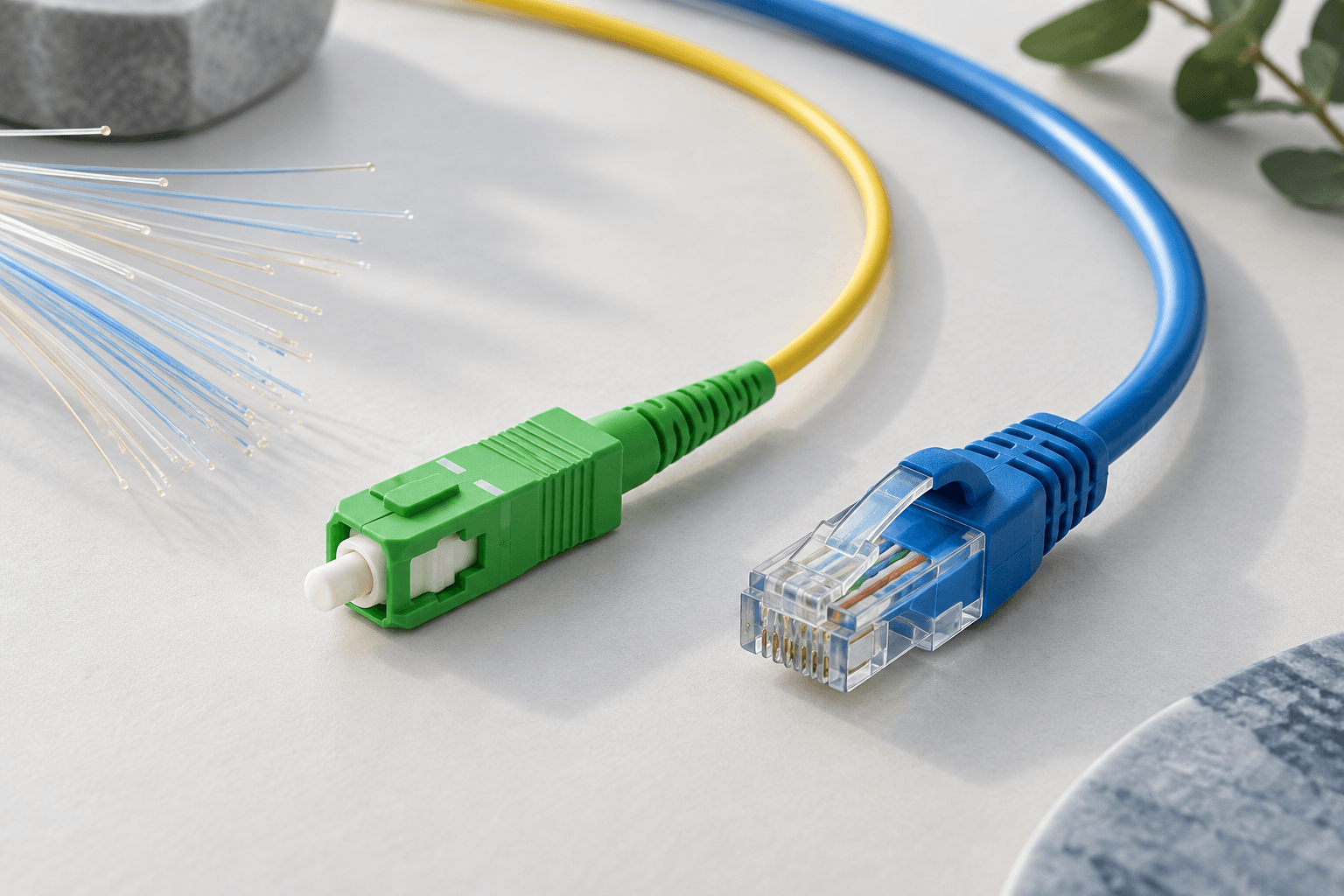
AT&T Fiber vs. AT&T Internet Air: Which One Is Actually Right for Your Home
If AT&T shows up as an option at your address, there's a good chance it's offering you a choice, not just one connection. AT&T Fiber is a wired, dedicated internet line run directly to your home. AT&T Internet Air is a fixed wireless connection delivered over AT&T's cellular network, using a receiver unit instead of a buried or aerial cable. Both are AT&T products, both get sold as "your home internet," and both show up on the same order page in a lot of markets — which is exactly why picking between them is confusing. This isn't a fiber-vs-cable-vs-satellite comparison. It's a same-provider decision, and the right call depends less on marketing copy and more on how your household actually uses its connection, how long you plan to stay put, and what you're willing to deal with a year from now. This guide walks through that decision step by step.
Affiliate disclosure: We may earn a commission when you order through links on this page. Pricing, speeds, and availability vary by address and are subject to change; verify current terms with the provider before ordering.
Want help choosing? Talk to an internet specialist: 844-287-2645
Free consultation — compare plans and check availability at your address. No obligation.
The short answer: how AT&T positions these two products
AT&T builds fiber where it has invested in the physical infrastructure to run fiber-optic cable to a home — new construction, upgraded neighborhoods, and areas where the buildout has already happened. Where that fiber line doesn't exist yet, or where AT&T wants to offer a lower-commitment, faster-to-install option, it offers Internet Air instead. Internet Air rides on the same wireless network AT&T uses for phones, packaged into a home-internet product with a dedicated receiver. See AT&T's full provider profile for the broader plan and coverage picture beyond this guide's scope.
Neither product is universally "the AT&T plan" — they're two different answers to two different infrastructure situations, and in some neighborhoods AT&T may let you choose either one even when fiber is available. Don't assume you're being offered Internet Air because fiber isn't an option for you — in some markets it's positioned as a simpler, no-line-installation alternative even where fiber exists. Which of the two you can actually order is a provider-confirmed-address question (see the availability step below), not something to infer from whichever product an ad or comparison table happens to lead with.
Step 1: Find out which one is actually available at your address
Before you weigh technology trade-offs, you need a straight answer to a narrower question: is AT&T Fiber physically present at your specific address, or is Internet Air your only AT&T option right now?
Address-level availability comes in different levels of confidence, and it matters which one you're looking at:
- ZIP-estimate: a coverage map or comparison tool showing what's generally offered somewhere in your ZIP code. This is the loosest signal and can be wrong for your specific street.
- FCC-reported: coverage AT&T has reported to the FCC's national broadband map, which is more granular than a ZIP but still self-reported and not address-verified. If you're in an area with an incomplete build, our federal broadband buildout tracker shows where fiber expansion is funded and planned.
- Provider-coverage: AT&T's own coverage layer for your area, one step closer to your address but still a modeled estimate.
- Provider-confirmed-address: AT&T has checked your literal address (not just ZIP or neighborhood) and returned a specific serviceable result.
- User-confirmed-orderable: you've gone through the actual order flow and AT&T has confirmed it can install and activate service at your address on a real order.
Use our own availability checker to get an address-level read rather than relying on a ZIP-level estimate, and treat anything short of "provider-confirmed-address" as directional, not final. The only way to know for certain which product you'll actually get is to reach "user-confirmed-orderable" — meaning you've gone far enough into an actual order that AT&T has verified serviceability at your specific address, not just modeled it.
How the two technologies differ in practice
AT&T Fiber is a dedicated physical line. Light travels down a fiber-optic cable installed specifically to your unit, and the capacity on that line is yours — it isn't shared with your neighbors the way older cable or wireless technologies can be. Installation typically involves a technician running or connecting a line to your home and installing an ONT (optical network terminal) that converts the fiber signal into something your router can use. See our AT&T Fiber overview and how fiber internet works for the deeper technical picture.
AT&T Internet Air works differently. It uses a wireless receiver — a self-install unit you plug in — that connects to AT&T's cellular network the same way a phone does, just optimized for a fixed location rather than mobility. Because it draws on shared cellular spectrum in your area, performance can vary with network congestion, weather, and how many other devices and Internet Air customers are drawing on the same cell tower at the same time. Installation is simpler: no technician visit is typically required, you plug the unit in, and it connects using the cellular network already covering your address. Internet Air sits within the broader category of fixed wireless and 5G home internet options, alongside similar products from other carriers.
The practical difference comes down to this: fiber gives you a dedicated line whose capacity doesn't depend on what your neighbors are doing, while Internet Air gives you a shared-network connection that trades some consistency for install simplicity and broader reach into areas without a fiber build.
Decision rule 1: How you use your connection
If your household regularly uploads large files, works from home on video calls throughout the day, games online, or otherwise needs a connection that behaves predictably at the same time every day, a dedicated line has a structural advantage — its capacity isn't competing with other households on the same shared network segment. If your household's primary use is browsing, streaming, and general use that isn't especially sensitive to occasional variability, the shared-network trade-off of Internet Air may not be noticeable in daily use.
This is a use-pattern question, not a speed-number question — we're not citing throughput figures here because actual performance depends on your specific address, network conditions, and plan tier, all of which should come from AT&T's own address-level information for your address, not a generic average.
Decision rule 2: Household size and simultaneous use
The more people and devices pulling from a connection at the same time — multiple video calls, multiple streams, smart-home devices, gaming consoles — the more a dedicated fiber line's non-shared capacity tends to matter, because none of that simultaneous demand is competing with anyone outside your household. On a shared wireless network, your household's simultaneous demand is one of several households drawing on the same local capacity at once, and how noticeable that is depends on how loaded the local network is where you live.
If you're a single person or a couple with modest simultaneous-use needs, this factor may weigh less heavily than the availability and contract questions below.
Decision rule 3: How long you plan to stay, and contract flexibility
If you're a renter who expects to move within a year, or you're not sure how long you'll be at this address, installation effort and any equipment-return obligations matter more than they would for a homeowner settling in long-term. Internet Air's simpler self-install model can be easier to set up and, in some cases, easier to relocate if you move within AT&T's coverage footprint — but confirm this directly with AT&T rather than assuming portability, since it depends on their current policy and your new address's coverage.
Contract length, any early-termination terms, and whether either product requires a term commitment at all should be confirmed directly against your actual order. Don't sign up for either product without reading that section of your order confirmation.
Decision rule 4: Backup, bundling, and multi-connection setups
Some households aren't choosing one or the other — they're using Internet Air as a backup line alongside an existing fiber connection, so that a fiber outage doesn't take the whole household offline. Because Internet Air doesn't depend on the same physical infrastructure as a fiber line, a problem that affects your fiber connection (a cut line, a local outage) generally won't affect a separate wireless connection, and vice versa. If you're weighing this setup, check current outage reports for your area first to see how often outages have actually been a factor.
If reliability during outages matters more to you than picking a single "best" connection, ask AT&T directly whether running both as a primary-plus-backup setup is available at your address and what it costs as a combined arrangement.
What changes after year one: bills, equipment, and switching
A comparison at the point of sale only tells you part of the story. Two things are worth confirming before you commit to either product, in writing, from AT&T directly rather than from marketing pages:
What happens to the bill after any introductory or promotional pricing period ends. Ask AT&T explicitly what the standard rate becomes and when that change takes effect on your specific account.
What equipment fees and return obligations look like. Both products involve hardware — a router and ONT for fiber, a wireless receiver for Internet Air — and AT&T's policies on equipment ownership, monthly equipment fees, and what you owe or must return if you cancel or switch should be confirmed on your order.
If you decide later to switch from one AT&T product to the other, ask specifically whether that's treated as a new order (with its own installation process and possible new contract terms) or a straightforward account change, and whether canceling your current product involves an equipment return window or fee. Don't assume switching between AT&T's own products is friction-free just because they're offered by the same company.
A quick self-check before you decide
Run through these in order:
1. Confirm availability at your specific address — aim for provider-confirmed-address or better, not a ZIP-level estimate. 2. Match your usage profile — heavy simultaneous use and upload-sensitive work favor a dedicated line; lighter, less time-sensitive use narrows the practical gap. 3. Factor in your household size — more concurrent users and devices generally favor dedicated capacity. 4. Check your timeline — how long you'll be at this address affects how much installation effort and contract terms should weigh in your decision. 5. Decide if you need backup capacity — if outage resilience matters, ask about running both together rather than choosing just one. 6. Get the after-year-one numbers in writing before you sign anything, not just the intro-period figures.
If AT&T isn't the only option at your address, it's worth taking the same framework to other providers serving your area before committing to either AT&T product.
What to check on your own AT&T account or order
Before you finalize an order, verify these directly with AT&T rather than relying on assumptions from a comparison page:
- Which specific product is actually being provisioned for your address — confirm this is provider-confirmed-address or user-confirmed-orderable, not a modeled estimate.
- What equipment is being shipped or installed, whether it's owned or leased, and what the monthly equipment cost is.
- The exact contract term, if any, and the early-termination or equipment-return terms if you cancel.
- What the price becomes after any promotional period, and when that change takes effect.
- Whether your install date and method (self-install kit vs. technician visit) match what you were told during the order.
Get these confirmations in writing — an order confirmation email or account portal screenshot — before your installation date, so there's a record if what shows up doesn't match what was promised.
Our review methodology
This guide is built as a decision framework rather than a specification comparison, because the two products aren't interchangeable technologies competing on the same metrics — they're different delivery methods addressing different infrastructure realities. We deliberately avoid assigning star ratings or declaring one product universally "better," since AT&T Fiber's and Internet Air's practical performance depends heavily on factors specific to your address (fiber build status, local wireless network capacity, household usage patterns) that a generic rating can't capture.
This guide also deliberately does not quote pricing, speed tiers, data allowances, promotional terms, or contract lengths as fixed numbers, because those vary by market, change frequently, and can only be meaningfully verified against AT&T's current, address-specific offer for your account. Any availability claim in this guide is labeled by its confidence level — ZIP-estimate, FCC-reported, provider-coverage, provider-confirmed-address, or user-confirmed-orderable — so you can judge how far a given piece of coverage information should be trusted before you rely on it to make a decision. We recommend confirming all address-specific and pricing details directly with AT&T before ordering either product. For other buying-decision frameworks, browse our full guide library.
Ready to see which AT&T product is actually offered at your address? Check availability at your address
FAQ
Can I get AT&T Fiber and AT&T Internet Air at the same address, or does AT&T only offer one? In some neighborhoods AT&T offers both products at the same address, and in others only one is buildable. Which options actually exist for your specific address is a provider-confirmed-address question, not something you can tell from an ad or a general coverage map. Use an address-level availability check rather than assuming from a ZIP-estimate or from whichever product a comparison page lists first.
Is AT&T Internet Air the same thing as 5G home internet from other carriers? AT&T Internet Air is AT&T's own fixed wireless product, delivered over AT&T's cellular network through a dedicated receiver installed at your home — it is not a rebranded version of a competitor's service. Other carriers sell similar fixed-wireless-over-cellular products under their own names, and while the underlying category is comparable, performance and coverage depend on each carrier's own network in your area. Check each carrier's own current coverage tool for your address rather than relying on a general comparison, since national fixed-wireless coverage claims age quickly.
If I already have AT&T Internet Air, can I upgrade to AT&T Fiber later without starting over? This depends on whether AT&T has since built fiber to your address and on how AT&T classifies the change — as a new order with its own installation process or as an account upgrade. Ask AT&T directly whether switching triggers a new contract term, a new installation appointment, and any equipment-return steps for the Internet Air receiver.
Does bad weather affect AT&T Internet Air the way it can affect satellite internet? Internet Air uses AT&T's cellular network rather than a satellite signal, so it is not subject to the same rain-fade issues associated with satellite internet. That said, because it draws on shared cellular spectrum, performance can still vary with local network congestion and conditions at the cell site serving your address; AT&T Fiber's dedicated line is not subject to that kind of shared-network variability.
Which one is better for online gaming, AT&T Fiber or Internet Air? A dedicated fiber line has a structural advantage for time-sensitive uses like online gaming because its capacity isn't shared with other households on the same network segment, while Internet Air's performance can vary with how many other users are drawing on the same local cellular capacity. Actual real-world performance for either product still depends on your specific address and plan tier.
How do I know if AT&T is showing me Internet Air because fiber isn't available, or just as an option? You can't reliably tell from a sales page or ad alone — AT&T sometimes offers Internet Air as a simpler alternative even in areas where fiber is buildable. The only way to know which situation applies to your address is to check availability at the provider-confirmed-address or user-confirmed-orderable level rather than assuming based on which product is presented first.
Do AT&T Fiber and Internet Air have the same equipment fees? The two products use different hardware — an ONT and router for fiber versus a wireless receiver for Internet Air — and their equipment ownership models, monthly equipment charges, and return obligations can differ. Confirm the current fee structure and what you would owe if you cancel or switch directly on your order.
Bottom line
AT&T Fiber and Internet Air are two different products solving two different problems, not a better-versus-worse pair. Fiber wins on dedicated capacity and consistency for upload-heavy, latency-sensitive households; Internet Air wins on install simplicity and reach into addresses fiber hasn't touched yet. The decision that actually matters isn't which one sounds more advanced — it's which one is provider-confirmed-address available at your specific address, matched against how your household really uses its connection.