Cox is now Spectrum
Effective September 16, 2026, Cox internet is offered under Spectrum's pricing and packaging: Spectrum Internet® 100, 500 and 1 Gig, with 2 Gig in select markets. Existing Cox customers keep their current service and account until Spectrum notifies them of any change. Prices shown are for new residential customers for 1 year.
Source: Spectrum Product Marketing Guidelines for Digital Partners (August 17, 2026); Cox transition notice, August 20, 2026. Checked September 16, 2026. cox.com/residential/cox-is-now-spectrum.html
INTERNET OFFER: Limited-time offer; subject to change; new residential customers only (no Spectrum service in past 30 days). Standard rates apply after promo period or service change. Actual speeds (including wireless) vary and are not guaranteed. Activation fee additional; taxes may apply. Gig speeds require a compatible modem; see Spectrum.net/modem for list. Terms and conditions apply, subject to change. Not available in all areas. Restrictions apply. Spectrum Internet® is powered by fiber and connected to the premises by coaxial lines.
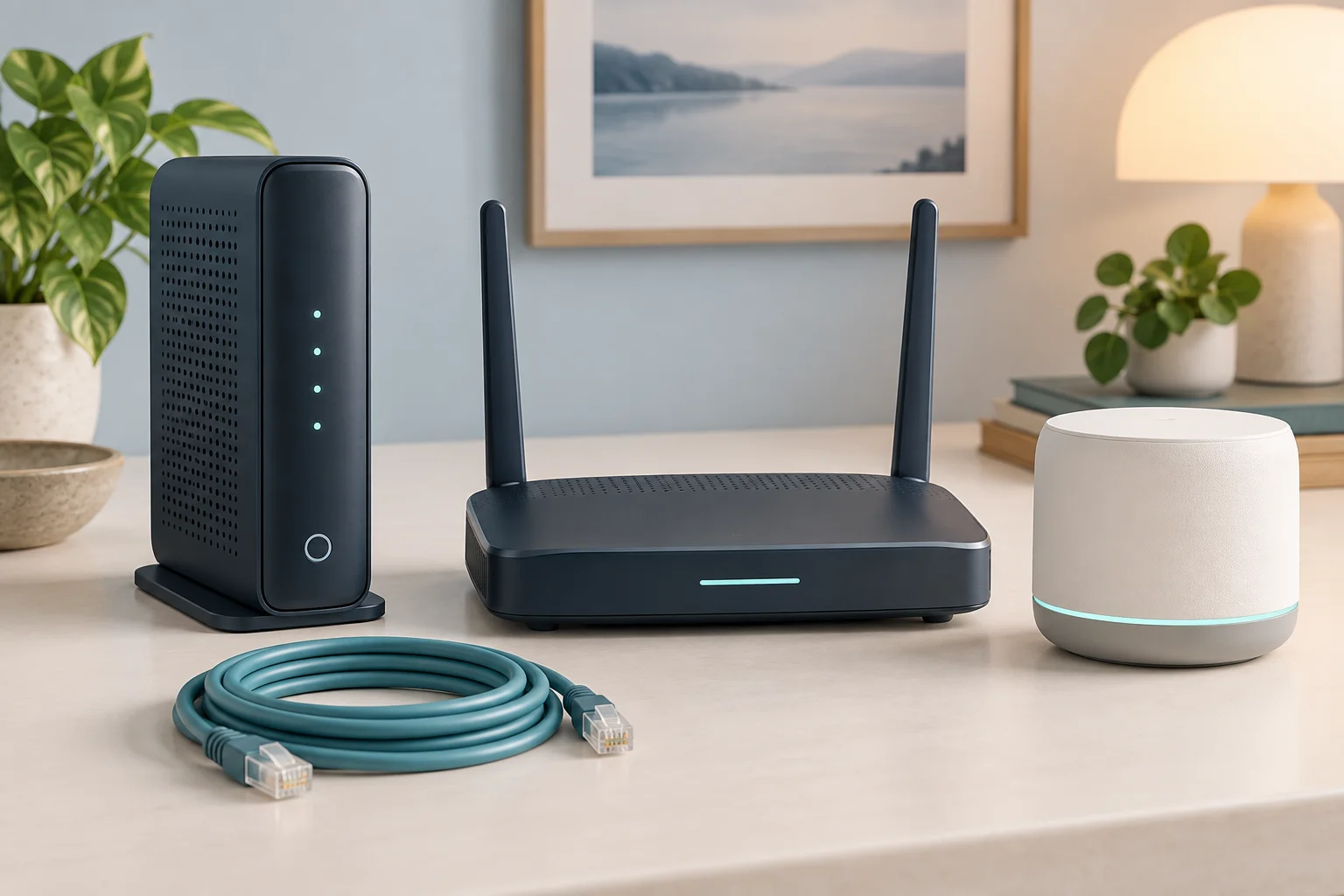
Spectrum includes a free modem with every internet plan but charges $5/month for a WiFi router. Understanding your equipment options can save you $60 or more per year and potentially improve your wireless performance. This guide covers Spectrum’s included equipment, compatible third-party devices, mesh systems for large homes, and the best strategy for your specific setup.
Spectrum Equipment Fees at a Glance
| Equipment | Monthly Cost | Annual Cost | Notes |
|---|---|---|---|
| DOCSIS 3.1 Modem | $0 (included) | $0 | Required; provided free by Spectrum |
| WiFi 6 Router | $5/mo | $60/yr | Optional; use your own to avoid this fee |
| WiFi Extender (each) | $5/mo | $60/yr | For homes with WiFi dead zones |
Over a typical 3-year period, renting Spectrum’s router costs $180. Purchasing your own WiFi 6 router for $60–$120 saves $60–$120 net. This is one of the easiest ways to reduce your Spectrum bill without changing plans.
Spectrum’s Included Modem
Spectrum provides a DOCSIS 3.1 modem at no charge with every plan. This modem supports all current Spectrum plans up to the Gig tier (1,000 Mbps). The modem is managed by Spectrum, meaning the company can push firmware updates, monitor connection health, and troubleshoot remotely when you call support.
Important: You cannot use your own modem with Spectrum. Only Spectrum-provided modems are supported and activated on their network. This policy applies to all residential plans. However, you can use your own WiFi router, which is where the real savings opportunity exists.
In DOCSIS 4.0 upgrade areas, Spectrum will provide a new 4.0-compatible modem when the upgrade reaches your node. This should happen automatically, but you can contact Spectrum to confirm your eligibility and request the upgraded modem if you are in a DOCSIS 4.0 market.
Should You Rent or Buy a Router?
Rent Spectrum’s Router ($5/mo)
Pros:
- No upfront cost—just add to your monthly bill
- Spectrum handles all troubleshooting, firmware updates, and replacement if it fails
- WiFi 6 capable with reasonable coverage for small to medium homes
- Includes Spectrum’s Security Suite software for malware protection
- Simple setup with no configuration required
Cons:
- Costs $60/year with no equity—you never own the device
- Over 3 years, you pay $180 for a device worth $80–$120
- Basic model may not cover large homes (2,000+ sq ft) effectively
- Limited customization options compared to your own router
- Spectrum support may push you toward renting if you call with WiFi issues
Buy Your Own Router ($55–$250 one-time)
Pros:
- Pays for itself in 11–24 months depending on the model
- Choose a model with better range, speed, or features than Spectrum’s basic router
- Full control over settings, firmware, QoS, guest networks, and parental controls
- WiFi 6E and WiFi 7 options available for latest device compatibility
- Keep it when you switch ISPs
Cons:
- Upfront cost of $55–$250
- You handle troubleshooting and firmware updates
- Spectrum support may blame your router for connection issues (test with a wired connection to rule this out)
Our recommendation: If you plan to keep Spectrum for more than 12 months, buy your own router. The savings are guaranteed and you will likely get better WiFi performance from a dedicated router.
Best Routers for Spectrum Internet (2026)
Best Overall: TP-Link Archer AX73 (WiFi 6)
Price: ~$80 | Coverage: ~2,500 sq ft | Best for: Spectrum Internet (300) and Ultra (500) plans
Excellent balance of performance, coverage, and value. Easy setup via the Tether app, with 6 antennas for strong whole-home coverage in medium-sized homes. Supports 160 MHz channels for maximum WiFi 6 throughput. This is the best value choice for most Spectrum customers.
Best for Large Homes: ASUS RT-AX86U Pro (WiFi 6)
Price: ~$220 | Coverage: ~3,000 sq ft | Best for: All Spectrum plans including Gig
Premium router with exceptional range, a 2.5 Gbps WAN port (important for future DOCSIS 4.0 speeds), and AiMesh support for expanding coverage with additional ASUS nodes. Advanced features include built-in VPN, adaptive QoS for gaming priority, and AiProtection security powered by Trend Micro.
Best Budget: TP-Link Archer AX21 (WiFi 6)
Affordable WiFi 6 router that handles the 300 Mbps plan capably. Great for apartments and small homes where coverage area is not a concern. Pays for itself in under 11 months versus renting.
Best Mesh System: Google Nest WiFi Pro (WiFi 6E)
Price: ~$200 (2-pack) | Coverage: ~4,400 sq ft | Best for: Large homes, Gig plan
Mesh system that eliminates dead zones throughout large homes with simple app-based management. The 3-pack ($300) covers approximately 6,600 sq ft. WiFi 6E support means less interference on the 6 GHz band for compatible devices. Best choice for multi-story homes or unusual floor plans.
Best for Gaming: NETGEAR Nighthawk RAXE500 (WiFi 6E)
Price: ~$350 | Coverage: ~3,500 sq ft | Best for: Gig plan, competitive gamers
Tri-band WiFi 6E with DFS channels for maximum throughput and minimum interference. Dedicated gaming dashboard, custom QoS, and low-latency optimizations. Overkill for casual users, but ideal for households with multiple gamers. See our Spectrum gaming guide for more gaming setup advice.
Setting Up Your Own Router with Spectrum
- Connect an Ethernet cable from the Spectrum modem’s Ethernet output to your router’s WAN/Internet port
- Power on both devices and wait 2–3 minutes for them to establish a connection
- Follow your router’s setup instructions (usually via a mobile app or entering 192.168.1.1 in a web browser)
- Configure your WiFi network name (SSID) and a strong password
- If the connection does not work, restart both the modem and router (unplug each for 30 seconds). If it still fails, call Spectrum to confirm the modem is provisioned and online
- After setup, reconnect all your devices to the new WiFi network name
Pro tip: Use the same WiFi name and password as your previous network and your devices will automatically reconnect without needing to re-enter credentials on each one.
WiFi Extenders and Mesh Systems
If your home has WiFi dead zones (areas where the signal is weak or nonexistent), you have three options, each with different trade-offs:
| Solution | Cost | Performance | Best For |
|---|---|---|---|
| Spectrum WiFi Extender | $5/mo each | Moderate | Simple, no upfront cost |
| Mesh WiFi System | $150–$400 one-time | Excellent | Large homes, best coverage |
| Powerline Adapter | $40–$80 one-time | Variable | Budget option, older homes |
| MoCA Adapter | $80–$130 one-time | Excellent | Homes with coaxial outlets |
For most homes over 2,000 square feet, a mesh WiFi system provides the best balance of coverage, speed, and long-term cost. Mesh systems create a seamless network that automatically routes your device to the nearest node, unlike extenders which create a separate network with a different name and require manual switching.
For homes with existing coaxial cable runs in multiple rooms (common in homes that had cable TV), MoCA adapters are an excellent hidden option. They use your home’s coaxial wiring as a high-speed network backbone, delivering near-Ethernet performance without new cables.
Returning Spectrum Equipment
If you cancel Spectrum service or switch to your own equipment, return the Spectrum router to avoid unreturned equipment charges of $50–$200 per device. You have two return options:
- In-store: Return equipment to any Spectrum store for an immediate receipt. This is the safest option as you get instant confirmation.
- By mail: Request a prepaid UPS shipping label by calling customer service. Ship the equipment and keep the tracking number as proof of return.
Return all equipment within 15 days of cancellation. Always get and keep a receipt or tracking confirmation. If Spectrum charges you for unreturned equipment in error, the receipt is your evidence for a dispute.
Spectrum's Equipment Options Explained
Spectrum provides internet equipment as part of your service, but understanding what you are getting (and whether you should use your own) can save money and improve performance:
Spectrum-Provided Equipment
- Modem: Spectrum provides a DOCSIS 3.1 modem at no monthly charge for internet-only customers. The Spectrum modem supports all current speed tiers.
- Wi-Fi Router ($5/month): Spectrum charges $5/month for their Wi-Fi router. Over 12 months, that is $60. You can use your own router to avoid this fee — a one-time purchase of $50-$100 pays for itself quickly.
Should You Use Your Own Router?
For most Spectrum customers, buying your own router is the better long-term choice:
- Cost savings: At $5/month, Spectrum's router rental costs $60/year or $120 over 2 years. A quality Wi-Fi 6 router like the TP-Link Archer AX55 ($100) or ASUS RT-AX58U ($100) delivers better performance and pays for itself in under 2 years.
- Better performance: Spectrum's provided routers are adequate but not premium. A dedicated Wi-Fi 6 or Wi-Fi 6E router typically provides better range, faster speeds at distance, and more customization options (guest networks, QoS, parental controls).
- More control: With your own router, you can access advanced settings, update firmware on your schedule, and configure the network exactly how you want it. Spectrum's provided router has limited user-accessible settings.
Exception: If you are not comfortable configuring a router or want hassle-free support (Spectrum will troubleshoot their own equipment but not third-party routers), the $5/month rental provides convenience and support coverage.
Recommended Routers for Spectrum Internet
These routers work well with Spectrum's service and cover most home sizes:
- Budget ($50-$80): TP-Link Archer AX21: Wi-Fi 6, covers up to 2,500 sq ft, handles Spectrum plans up to 500 Mbps well. Best for apartments and small homes.
- Mid-range ($100-$150): ASUS RT-AX58U or TP-Link Archer AX55: Wi-Fi 6, covers up to 3,000 sq ft, handles gigabit Spectrum plans. Good for most single-family homes.
- Large homes ($200-$350): Mesh systems from TP-Link Deco XE75 or ASUS ZenWifi AX: Wi-Fi 6E mesh with 2-3 units covering 4,000-5,500 sq ft. Eliminates dead spots in multi-story homes.
Important: Keep the Spectrum-provided modem (it is free). Only replace the router portion. Connect your own router to the Spectrum modem via ethernet cable, then call Spectrum to return their router and remove the $5/month charge from your bill.
Troubleshooting Common Spectrum Equipment Issues
Before calling tech support, try these fixes for the most common equipment problems:
- Slow speeds: Restart the modem by unplugging it for 30 seconds, then plugging it back in. Wait 3-5 minutes for it to fully reconnect. If speeds remain slow, connect directly to the modem via ethernet and run a speed test to determine if the issue is your router/Wi-Fi or the modem/connection.
- Intermittent disconnections: Check all coaxial cable connections — hand-tighten any loose connections. Replace any visibly damaged cables. If the modem's lights are flickering or showing unusual patterns, the modem may need replacement (Spectrum provides replacements at no charge).
- Weak Wi-Fi signal: Reposition your router to a central location, elevated off the floor, away from walls and metal objects. If coverage is still inadequate, consider a mesh Wi-Fi system rather than range extenders (mesh systems provide better performance).
- Equipment replacement: If your modem is older than 3 years, request an upgrade from Spectrum. Newer modems support higher speeds and have improved reliability. You can swap equipment at any Spectrum retail store or request a technician visit.
Frequently Asked Questions
Does Spectrum provide a free modem?
Yes. A DOCSIS 3.1 modem is included at no charge with every Spectrum internet plan. This modem supports all plans up to the 1 Gig tier.
Can I use my own modem with Spectrum?
No. Spectrum requires use of their provided modem for network management and security reasons. You can only use your own WiFi router, not your own modem.
Is the Spectrum WiFi router worth renting?
For stays under 12 months, renting is convenient and avoids upfront cost. For service lasting longer than a year, buying your own router saves money. A $60 router pays for itself in one year of avoided rental fees.
What type of modem does Spectrum use?
Spectrum provides DOCSIS 3.1 modems supporting download speeds up to 1 Gbps. In DOCSIS 4.0 markets, upgraded modems capable of multi-gigabit speeds may be available. Contact Spectrum to check if a 4.0 modem is available for your area.
Do I need a special router for the Spectrum Gig plan?
You need a router with at least a Gigabit Ethernet WAN port and WiFi 6 support. WiFi 5 (802.11ac) routers will work but may bottleneck wireless speeds. For future-proofing with DOCSIS 4.0, look for routers with 2.5 GbE WAN ports. See our recommendations above.
Can I use a WiFi mesh system with Spectrum?
Yes. Connect any mesh system’s primary node to the Spectrum modem via Ethernet, then place satellite nodes throughout your home. Popular options include Google Nest WiFi Pro, Amazon eero Pro 6E, and ASUS ZenWiFi. For plan details, see our Spectrum plans guide.
Equipment prices are approximate retail. For plan details, see our Spectrum plans guide. Check availability at your address. See our methodology.


