Quick Answer: Fiber internet transmits data using light pulses through glass or plastic cables, delivering the fastest and most reliable home internet available. Speeds range from 300 Mbps to 8 Gbps with symmetrical upload/download, latency under 5 ms, and no data caps from most providers. As of 2026, fiber is available to approximately 60% of U.S. households, according to the FCC Broadband Deployment Report.
What Is Fiber Internet and How Does It Work?
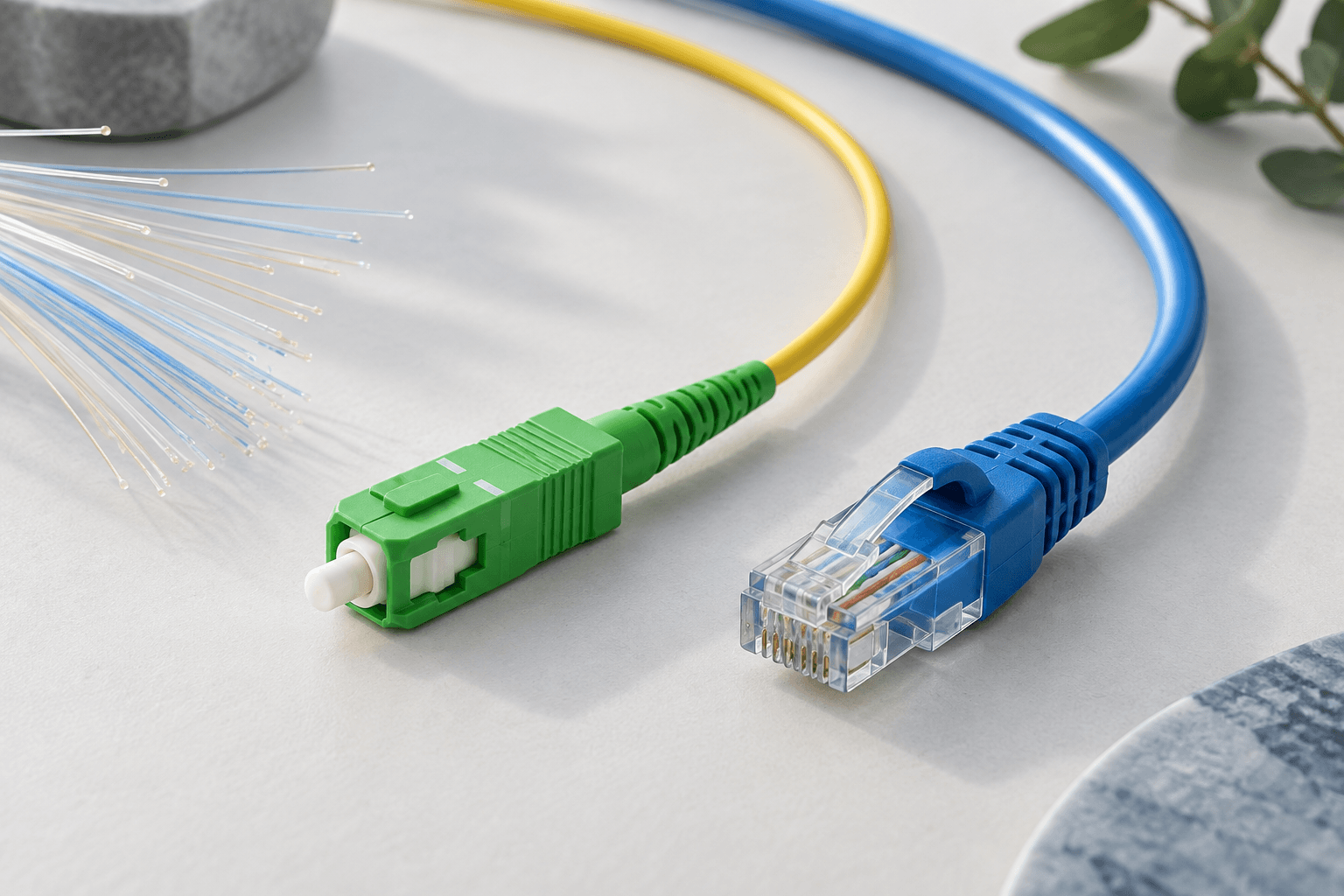
Fiber-optic internet (commonly called "fiber") uses thin strands of glass or plastic to transmit data as pulses of light. Unlike cable internet (which uses copper coaxial cables) or DSL (which uses telephone lines), fiber's light-based transmission is immune to electromagnetic interference, maintains signal quality over long distances, and supports vastly higher speeds.
A fiber connection involves three key components:
- Fiber-optic cables run from your ISP's network to your neighborhood or directly to your home
- An Optical Network Terminal (ONT) installed at your home converts light signals into electrical signals your router can use
- A router distributes the connection to your devices via WiFi or Ethernet
Fiber vs. Cable vs. DSL vs. 5G: Full Comparison
| Feature | Fiber | Cable | DSL | 5G Home Internet |
|---|---|---|---|---|
| Max download speed | 8,000 Mbps | 1,200 Mbps | 100 Mbps | 1,000 Mbps |
| Max upload speed | 8,000 Mbps (symmetric) | 50 Mbps | 10 Mbps | 100 Mbps |
| Latency | 1–5 ms | 10–30 ms | 25–50 ms | 20–50 ms |
| Reliability | 99.9% uptime typical | Good; degrades in peak hours | Good; distance-dependent | Good; weather-sensitive |
| Data caps | Usually none | 1–1.25 TB common | Varies | Usually none (deprioritization possible) |
| Availability | ~60% of U.S. | ~90% of U.S. | ~85% of U.S. | ~50% of U.S. |
| Price range | $30–$300/mo | $30–$150/mo | $25–$70/mo | $25–$60/mo |
Major Fiber Internet Providers in 2026
Several providers offer fiber internet across the United States. Here are the largest by coverage area:
| Provider | Coverage | Speed Range | Starting Price | Contract Required |
|---|---|---|---|---|
| AT&T Fiber | 21 states, 24M+ locations | 300–5,000 Mbps | $55/mo | No |
| Verizon Fios | 9 states (Northeast) | 300–2,000 Mbps | $49.99/mo | No |
| Frontier Fiber | 25 states | 500–5,000 Mbps | $49.99/mo | No |
| Google Fiber | Select cities (expanding) | 1,000–8,000 Mbps | $70/mo | No |
| Quantum Fiber (CenturyLink) | Select cities | 200–8,000 Mbps | $30/mo | No |
For a full ranking, see our best fiber internet providers guide.
Fiber Availability: How to Check Your Address
Fiber availability varies significantly by location. According to FCC data, approximately 60% of U.S. households had access to fiber as of late 2025, up from 43% in 2021. The BEAD (Broadband Equity, Access, and Deployment) program is investing $42.45 billion to expand broadband—including fiber—to underserved communities through 2028.
To check fiber availability at your address:
- Visit the FCC Broadband Map and enter your address
- Check individual provider websites: AT&T, Verizon Fios, Frontier, Google Fiber
- Search your address on our fiber providers page for provider options in your area
Types of Fiber Connections
Not all fiber connections are equal. The "last mile" connection to your home significantly affects speed and reliability:
- FTTH (Fiber to the Home): Fiber cable runs directly to your home. This delivers the full fiber experience—maximum speed, lowest latency, highest reliability. Available from AT&T Fiber, Verizon Fios, Frontier Fiber, and Google Fiber.
- FTTB (Fiber to the Building): Fiber reaches your apartment building, then copper or Ethernet carries the signal to your unit. Performance is near-FTTH levels. Common in urban apartments.
- FTTN (Fiber to the Node): Fiber reaches a neighborhood node (cabinet), then copper carries the signal the last 1,000–5,000 feet. Speed degrades with distance from the node. Often marketed as "fiber" but performs more like DSL at longer distances.
Key point: When shopping for fiber, always confirm you are getting FTTH or FTTB. FTTN connections rarely deliver the speeds that true fiber provides.
Benefits of Fiber Internet
- Symmetric speeds. Upload as fast as you download—critical for remote work, cloud backups, and content creation.
- Ultra-low latency. 1–5 ms ping means real-time applications (gaming, video calls, trading) feel instant. Learn about the speed requirements for different activities.
- No data caps. Most fiber providers (AT&T, Verizon, Frontier, Google Fiber) do not impose data caps.
- No congestion. Unlike cable, fiber bandwidth is not shared with neighbors. Peak-hour performance equals off-peak performance.
- Future-proof. Existing fiber cables can support multi-terabit speeds with equipment upgrades alone—no new cables needed.
- Weather-resistant. Fiber-optic cables are not affected by rain, heat, or electromagnetic interference that can disrupt copper and wireless connections.
Frequently Asked Questions
Is fiber internet worth it?
For most households, fiber is worth it if available at a competitive price. The combination of symmetric speeds, low latency, no data caps, and superior reliability makes fiber the best value per Mbps. Many fiber plans cost the same as or less than equivalent cable plans.
How fast is fiber internet compared to cable?
Fiber tops out at 8 Gbps (8,000 Mbps) while cable maxes at about 1.2 Gbps. More importantly, fiber upload speeds match download speeds, while cable upload is typically limited to 5–50 Mbps. Fiber also has 5–10x lower latency. See our guide to understanding Mbps for more context.
Can I get fiber internet in a rural area?
Fiber availability in rural areas is expanding thanks to the FCC's BEAD program and USDA ReConnect grants. However, many rural areas still lack fiber. Alternatives include 5G home internet (T-Mobile, Verizon) and fixed wireless from regional providers.
Do I need a special router for fiber?
You do not need a special router for fiber, but your router must support the speed tier you purchase. A Wi-Fi 6 router (AX1800 or higher) is recommended for plans up to 1 Gbps. For multi-gig plans, use a Wi-Fi 6E router with a 2.5 Gbps WAN port. See our router setup guide for recommendations.
How long does fiber installation take?
Professional fiber installation typically takes 2–4 hours. The technician installs an ONT (usually on an exterior wall or in your garage), runs a fiber cable inside, and tests the connection. Some providers offer self-installation kits if fiber was previously installed at your address.
The Cost of Fiber vs. Cable Over Time
Fiber internet often has a lower total cost of ownership than cable when you factor in hidden fees and price increases:
| Cost Factor | Fiber (Typical) | Cable (Typical) |
|---|---|---|
| Monthly price (Year 1) | $55–$70 | $50–$60 (promo rate) |
| Monthly price (Year 2+) | $55–$70 (price lock common) | $75–$100 (promo expires) |
| Equipment rental | $0 (ONT included) | $10–$15/mo |
| Data cap overage | $0 (no cap) | $10–$30/mo if exceeded |
| 2-year total cost | $1,320–$1,680 | $1,560–$2,640 |
Many fiber providers—including AT&T, Verizon Fios, and Frontier—offer price locks with no annual increases and no data caps. Cable providers typically raise prices by $15–$30/month after the first year and charge $10–$15/month in equipment rental fees.
How Fast Is Fiber Expanding?
Fiber deployment is accelerating across the United States. Key data points:
- 2021: ~43% of U.S. households had access to fiber (FCC data)
- 2025: ~60% of U.S. households have fiber access, driven by AT&T, Frontier, and Google Fiber expansion
- BEAD Program: The $42.45 billion federal investment will bring fiber to millions of underserved homes by 2028
- AT&T: Committed to reaching 30+ million fiber locations by 2025
- Frontier: Investing $2.2 billion to upgrade copper networks to fiber through 2025
- Google Fiber: Expanding to new cities including Des Moines, Colorado Springs, and Mesa, AZ
If fiber is not available at your address today, check back in 6–12 months. The expansion pace means many neighborhoods gain fiber access each quarter. In the meantime, 5G home internet may provide an interim upgrade over cable or DSL.
Fiber Internet Technology: How Light Carries Your Data
Traditional internet connections use electrical signals running through copper wires — that's how both DSL and cable work. Fiber optic internet is fundamentally different. It uses pulses of light traveling through glass strands thinner than a human hair. This isn't just a minor upgrade; it's a completely different physics.
Each fiber strand can carry multiple wavelengths of light simultaneously using a technique called wavelength-division multiplexing (WDM). This means a single fiber can handle enormous amounts of data without interference — current commercial technology supports over 100 Tbps per fiber pair, though consumer connections use only a fraction of that capacity.
Because light signals don't degrade over distance the way electrical signals do, fiber connections maintain consistent speed whether you're 500 feet or 50 miles from the nearest hub. Cable and DSL performance drops noticeably over distance, which is why homes far from the provider's node often see slower-than-advertised speeds.
GPON vs. XGS-PON vs. Active Ethernet
Not all fiber networks are built the same. The three main architectures affect what speeds you can actually get:
- GPON (Gigabit Passive Optical Network): The most common residential fiber technology. A single fiber from the provider's office splits into up to 32 connections sharing a 2.5 Gbps downstream / 1.25 Gbps upstream capacity. This is how AT&T Fiber, Frontier Fiber, and most providers deliver their 1 Gbps plans.
- XGS-PON (10-Gigabit Symmetrical PON): The next generation, offering 10 Gbps in both directions shared among subscribers. Providers like AT&T and Google Fiber have started deploying XGS-PON to support multi-gig residential plans (2, 5, and even 8 Gbps tiers).
- Active Ethernet: Each customer gets a dedicated fiber connection with no sharing. This delivers the most consistent performance but costs more to deploy. It's more common in business fiber and high-end residential markets.
For most households, GPON provides more than enough bandwidth. Even with 32 homes sharing the same fiber, each connection can deliver consistent gigabit speeds because the total capacity far exceeds demand. Learn more about multi-gig internet and XGS-PON in our technology deep dive.
Fiber Installation: What to Expect
Getting fiber installed is more involved than plugging in a cable modem, but it's a one-time process that typically takes 2-4 hours. Here's what happens:
- Pre-installation survey: A technician may visit first to assess how fiber will reach your home — through existing conduit, aerial cable, or a new underground run.
- Fiber drop: The technician connects your home to the fiber line running along your street. This usually involves attaching a cable to your home's exterior and drilling a small hole to bring it inside.
- ONT installation: An Optical Network Terminal (ONT) gets mounted inside your home, usually near where the fiber enters. This box converts the light signal into an Ethernet signal your router can use.
- Router setup: Either the technician installs the provider's gateway, or you connect your own router to the ONT's Ethernet port. See our router setup guide for tips on choosing and configuring your own equipment.
- Speed verification: The technician should run a speed test before leaving to confirm you're getting your full plan speed.
In apartments and condos, installation is simpler because fiber infrastructure is typically already inside the building. The technician just needs to connect your unit to the building's fiber distribution panel.
The Real-World Cost Difference: Fiber vs. Cable Over 2 Years
Fiber's monthly price often looks similar to cable, but the total cost of ownership tells a different story when you factor in equipment, speed consistency, and hidden fees:
| Cost Factor | Fiber (Typical) | Cable (Typical) |
|---|---|---|
| Monthly plan (1 Gbps tier) | $50-$80/mo | $70-$100/mo |
| Equipment rental | $0-$10/mo (many include ONT) | $10-$15/mo for gateway |
| Price increases after promo | Usually $0-$10/mo increase | Often $20-$40/mo increase |
| Data caps | Usually none | Often 1-1.2 TB/mo (overages $10-$30) |
| 2-year total (realistic) | $1,200-$2,160 | $1,920-$3,240 |
Fiber providers like Google Fiber and Frontier Fiber tend to offer simpler pricing without promotional bait-and-switch tactics. Cable providers frequently advertise low introductory rates that jump significantly after 12 months. Over two years, fiber often costs less despite appearing comparable on a monthly basis.
Future-Proofing: Why Fiber Matters for the Next Decade
Internet demand doubles roughly every 3-4 years. In 2016, a 25 Mbps connection was considered "broadband" by the FCC. By 2026, the proposed new standard is 100 Mbps. If that trend continues, a 500 Mbps connection that feels generous today will seem inadequate by 2030.
Fiber infrastructure has a massive advantage here: upgrading speeds doesn't require replacing the physical cables. Providers upgrade the electronics on each end — the ONT in your home and the equipment at the central office — while the glass fiber stays in the ground. That's why fiber networks that were installed 10 years ago can now deliver multi-gig speeds with just an equipment swap.
Cable networks, by contrast, face inherent limitations. The DOCSIS 4.0 standard promises up to 10 Gbps in theory, but real-world cable deployments will likely max out at 2-4 Gbps due to shared bandwidth and infrastructure constraints. If you have the option to get fiber today, it's an investment that won't need replacing for decades. Check fiber availability in your area to see if you can make the switch.